
Hide Your Photos Behind a Calculator
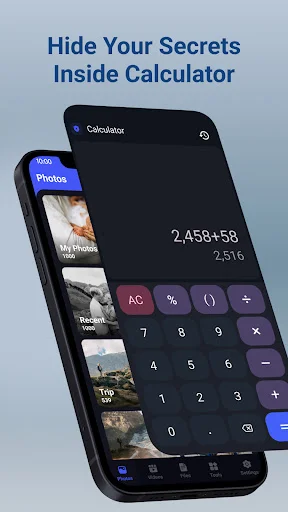
Keep your private photos and videos completely hidden in a vault that looks like a working calculator. Nobody will suspect a thing.
Privacy Features That Actually Work
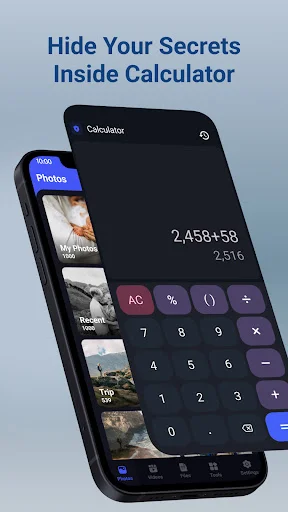
Perfect Calculator Disguise
Your vault looks and works exactly like a normal calculator. When someone picks up your phone, all they see is a useful calculator app – not a privacy vault.
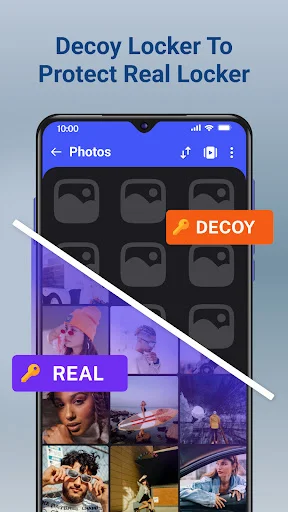
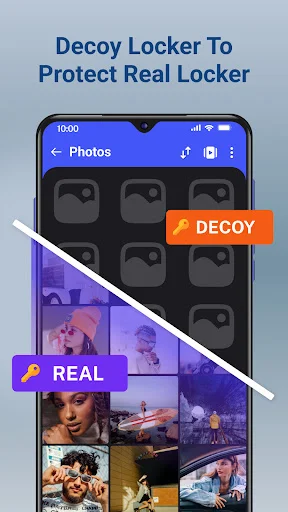
Decoy Vault Protection
Create a second password that opens a fake vault with different content. If someone demands access, show them the decoy while keeping your real private files completely safe.
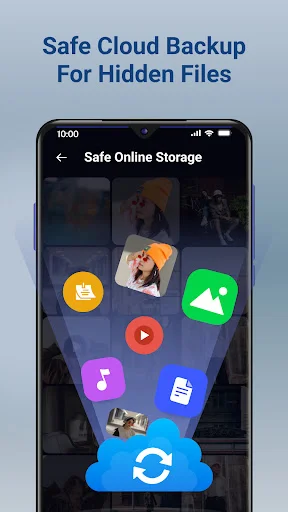
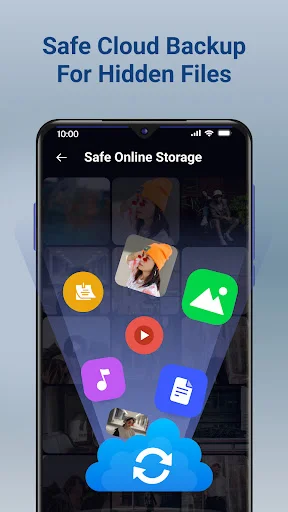
Safe Cloud Backup
Never lose your private photos and videos again. Cloud storage keeps everything safe even if your phone is lost, stolen, or broken – just restore to any new device.
Capture Directly Inside
Take photos and record videos directly inside the vault. Your private content never appears in your public gallery, staying instantly hidden from the moment you capture it.
About
Calculator Lock: Hidden Photo Locker Vault & Video Locker
Calculator lock is hidden photo locker vault & video locker to provide extra layer of security with private gallery to lock photos and keep in hidden space from other people. Looks like a working calculator to others.
Key Features
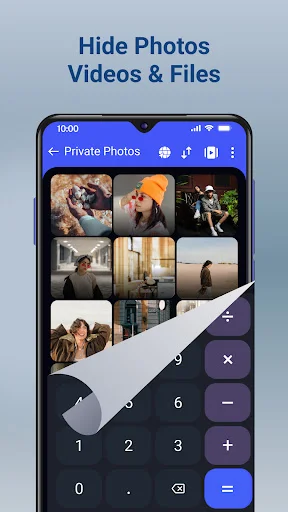
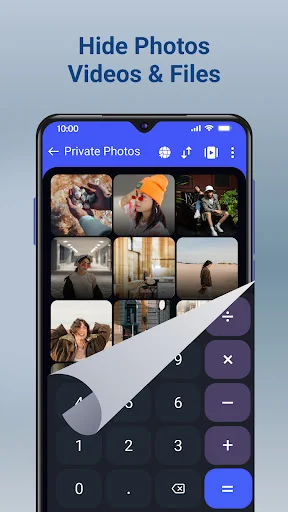
- Instant Hide Pictures, videos by sharing them to calculator lock. Through sharing into the calculator video locker app, you may instantly lock photos and hidden movies from inside your gallery locker app.
- Safe Online Storage. Always Keep files Safe by store pictures, notes, contacts, music, movies, and critical documents in a safe cloud storage. When you online store files of the Calculator lock app, you'll never lose your data again. Use the calculator hide app to synchronize your data across several devices.
- Secretly Hide Photos & Hide Videos. Calculator Photo Locker app lets you hide personal pictures and short videos or long movies with advanced protection. Organize your photos to manage easily using folders. You can also hide multiple pictures and videos.
- Direct capture photos and videos inside calculator lock. Hide photos or record videos from inside the lock app that will be instantly get hidden inside the gallery locker & video vault.
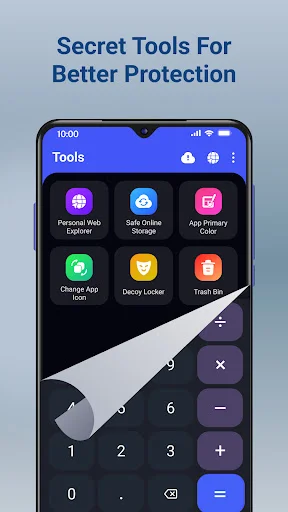
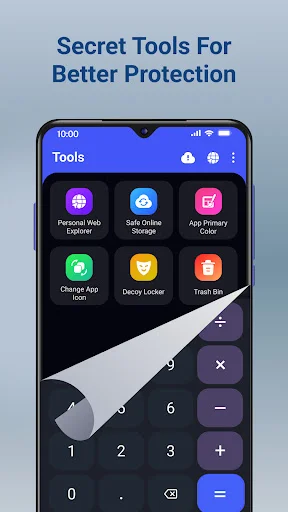
- Change app primary color. Supports multiple colors for the vault app so that you can customize visuals of your private locker app.
- Change App Icon. Replace Calculator app icon with G-Scanner icon to disguise it from home screen.
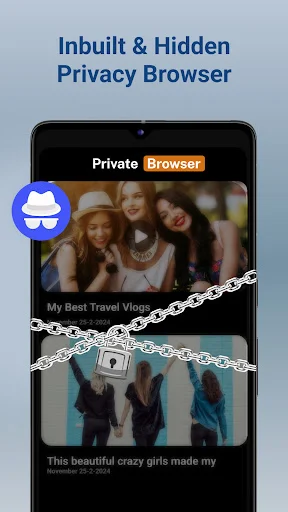
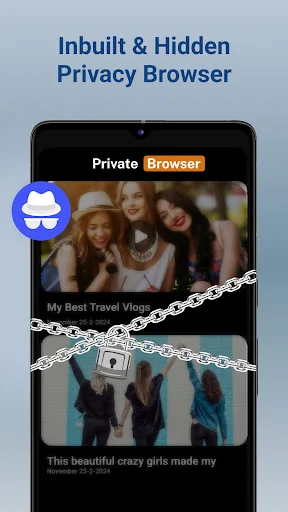
- Personal web explorer. Visit websites using personal website explorer to keep others away from your private browser history using incognito mode. Easily hide pictures and hide videos directly from browser.
- Export calculator locker media. Once you hide pictures and lock Videos inside the vault, you can anytime use the export icon provided in the vault app to unhide your media whenever needed. You can directly share picture or video to social apps without need of unlock media to the public gallery.
- Multiple Vault passwords. Open second calculator gallery video vault using other password to show different hidden photos and protect real locker containing private videos.
- Urgent lock. Calc Vault app will quickly lock itself when your device faces downward to the ground. You can choose to close the vault in emergency situation to secure private album.
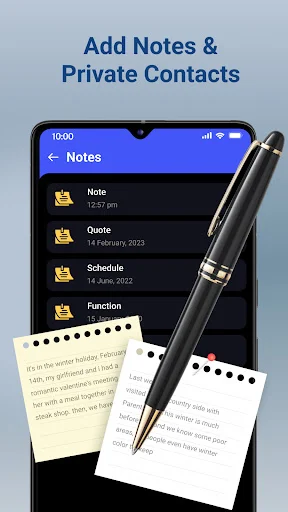
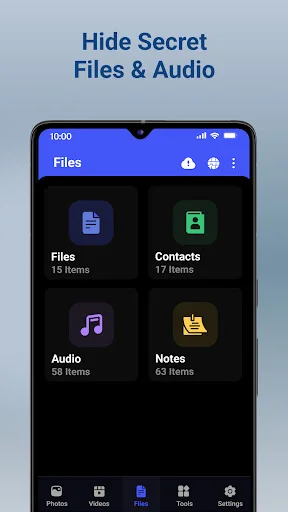
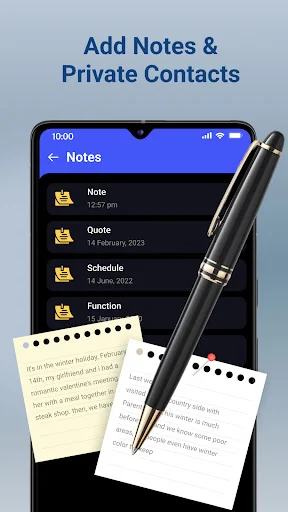
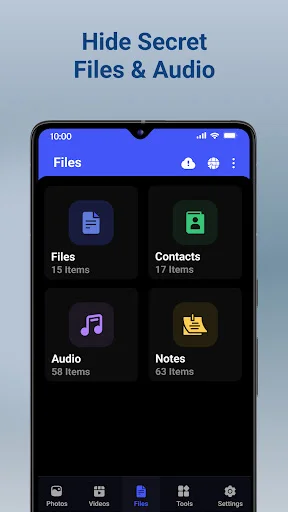
Easy hide pictures and hide videos from the public gallery, when others will only be able to see a normal calculator installed on your phone. Hide files, notes and contacts inside private vault app.
Frequently Asked Questions
Question: What will happen if I remove the photo hider app from phone?
Answer: Removing calculator lock app means delete the app and all the imported files inside it if there is no cloud backup taken. Re-installing would not recover those deleted files. So please make sure to unlock to public gallery of all your hidden files before uninstalling this app.
Question: What about if I lost my phone or broken?
Answer: You can only recover files into the new phone by using our Safe Online Storage feature if you have backed up files from the old phone.
Question: Lost your password?
Answer: Please enter "7777=" into our calculator and verify your pattern, security question, recovery email or fingerprint and then reset the password.
See How the Disguise Works
Trusted by Over 10 Million Users
Totally the best app you can get for device protection. I love how it can be hidden and desguised as a simple everyday tool that actually works like the real thing for outsiders. Totally genius. From the uninstall protect to the intruder pics, this app has so many features that will secure your data and protect your device from unwanted people. I recommend that everyone gets this, whether they look to micromanage their child's device or just add an extra layer of defense against tech stalkers
The absolute BEST APP for keeping your private photos safe! jot even hackers could find your pictures bc od how inconspicuous and secure. We all have our secrets and we all have a dirty side. This app doesn't just hide your private pictures. it transfers them automatically into a secure file within an inconspicuous Calculator app. All other apps like this just copy the pictures, videos, and files so you have to go back and delete them from your main files. Not this app. Best app ever. Ty!!!
First i thought that it sucks like others but it was best , all in one and the greatest locker for phone . it have everything you need👍👌👌👌👌 Scanner icon , Fake password, Multiple spaces to hide and also u can edit it, or add a new folder by naming it App lock, Image lock, Video lock, Double password, Theme changer, Recovery email, Flip to lock, Uninstall protection, Once go to home of mobile this app, automatically switchoff, Intruder image, Backup pattern Everything is in this app💝💝💝💝
i use two phones currently. a samsung phone which has its own secure folder and a chinese phone which just has nothing so. for this chinese phone i needed a good hiding app for different things and this app just serves the purpose great.!!. it is really good and upto the mark fot comparison with samsungs secure folder. thanks for the app!
Once paid to clear ads, works fantastic and integrates well with the media gallery. functions properly as a calculator and hides files from my file explorer apps as well. I do recommend enabling the option to press the equal sign after access pin in settings for better security (not default) . I do Recommend this app.
Does what it says Would be nice to have a higher quality calculator but this still does the trick so thank you Edit: I've had my phone fail and was forced to reset it. In doing this I lost all my content and wasn't able to retrieve it from my computer.