
Perfect Your Aim and Precision Instantly
Add a customizable on-screen overlay to your device for improved accuracy in games, precise measurements in work, or any task requiring visual alignment. Control everything from appearance to placement.
Everything You Need for Screen Precision
Customize Every Detail
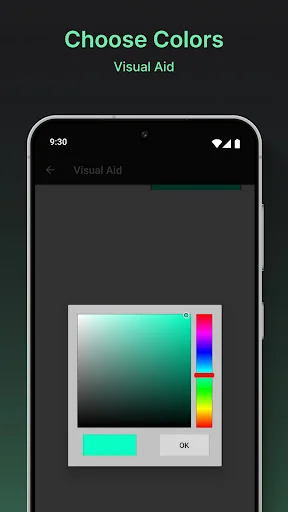
Make the overlay truly yours with full control over size, color, opacity, thickness, and style. Adjust it until it perfectly matches your needs and stays comfortable during extended use.
Dominate in Mobile Games
Improve your shooting accuracy instantly with a stable crosshair overlay that stays locked in place. Gamers report dramatically better headshots and overall performance in FPS games like PUBG.
Professional Precision Tools
Perfect for CNC work, measurements, crafting, and any task requiring exact alignment. Use it as a reliable visual reference to measure distances, align edges, or maintain consistency across projects.
Simple, No Hassle Setup
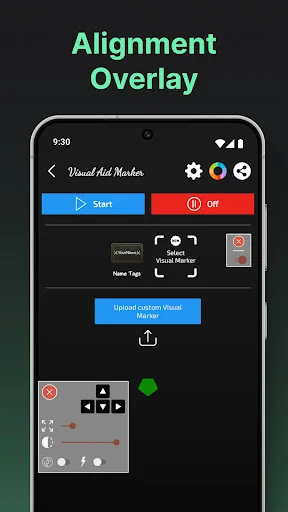
Start in seconds without root access or complicated configuration. Toggle your overlay on or off instantly, move it anywhere, and adjust settings on the fly without interrupting your workflow.
About
Visual Aid - Alignment Overlay – Simple On-Screen Reference Tool
A lightweight way to add a visual guide on your screen
Visual Aid - Alignment Overlay provides a small on-screen reference overlay that you can place anywhere on your display. It's meant to help with general screen alignment and visual consistency while you use your device.
The overlay is optional, easy to turn on/off, and does not require root. It works as a simple visual aid that you control at all times.
Why Choose Visual Aid - Alignment Overlay?
- Safe Visual Overlay
- Simple Reference Guide – Use a consistent visual marker to help with screen alignment for everyday tasks.
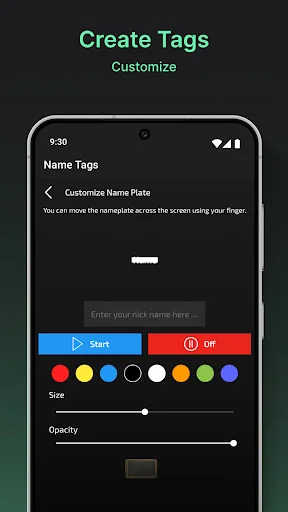
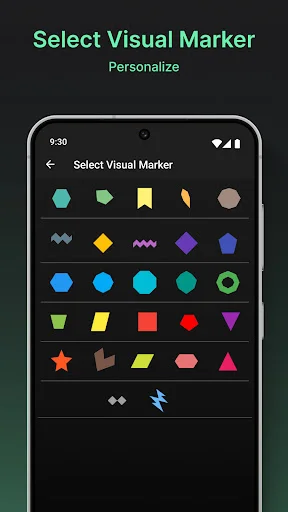
- Custom Overlay Design – Personalize the overlay's size, shape, and color to fit your preference.
- Easy Control – Turn the overlay on or off anytime, and adjust placement as needed.
- Adjustable Appearance – Change thickness, opacity, and style for comfortable visibility.
- No Root Required – Works on most phones and tablets without changing system settings.
- Fast Setup – Straightforward interface lets you start in seconds.
Personalization at Your Fingertips
Choose a minimal look or a more visible guide — you decide. Visual Aid - Alignment Overlay lets you adjust the overlay to your needs: thickness, opacity, position, and alignment style. It's designed to stay unobtrusive while still being useful.
Designed for Simple, Everyday Use
This app is built to be lightweight and easy to use. There are no special tricks or "performance" promises — just a basic on-screen guide that can help you keep things visually aligned when you want it.
Placement You Control
Set the overlay where it feels most helpful for you. Move it, resize it, or hide it anytime. The goal is to give you a steady visual reference without interrupting how you normally use your device.
Clear, Optional Visual Support
Visual Aid - Alignment Overlay is meant as a general visual helper. If you don't need it, you can disable it instantly. If you do, it's there as a simple guide to support your preferred screen layout.
Get Set Up in Seconds
No complicated setup. Download, open the app, choose your overlay style, and place it where you want. It's compatible with different screen sizes and can be adjusted anytime.
Try Visual Aid - Alignment Overlay Today
If you want an optional on-screen reference for display alignment and everyday screen use, Visual Aid - Alignment Overlay offers a simple way to do that — with clear controls and customizable visuals.
Try Visual Aid - Alignment Overlay now and use your screen your way.
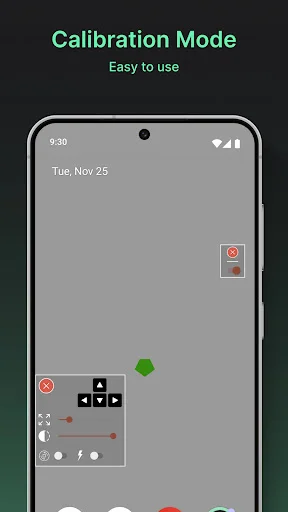
See Your Overlay in Action
Trusted by Over 1 Million Users
Works great for my use. I use it with a wifi microscope to aid in measuring in a CNC Milling machine. Just line up the crosshair with the magnified edge of a part, then use the machine travel readout to get a very accurate measurement as I line up the crosshair to the next point.
Awesome app, before I had tried many crosshair apps but they did not work, they work but when we moves our aim the crosshair did not move and we cant do awm sniping, but now with this I am able to do so, it locks our aim, now I headshot everyone with awm, just lock this at your mid of aim and enjoy.
Top class App, add custom crosshair to PUBG and make accurate shooting accuracy. totally legal to use and best performance with many crosshairs available
CrossHair Genrrator is an amazing application for everyone. It has many benefits and uses. It is full of charming features.
I am much more precise with crosshair. Games i've playing are more fun and i enjoy them much more. Thank you!
I dont know how and why but it increased my accuracy by tremendously high so this is worth the 5 star review