Capture Photos With Proof Of Time And Place
Add timestamps, GPS coordinates, map overlays, and weather details to every photo and video. Perfect for travel memories, fieldwork, delivery proof, inspections, and any documentation that needs verification.
Everything You Need In Every Capture
Location Proof That Lasts
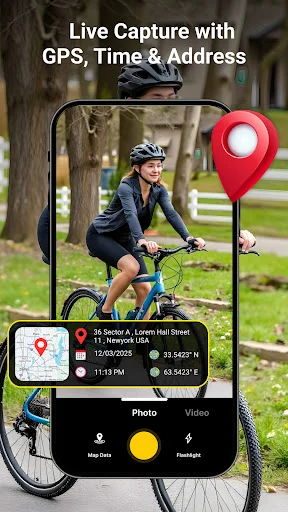
Embed GPS coordinates and accurate location details directly into your photos and videos. No more guessing where a picture was taken – perfect for work reports, property records, site visits, and keeping travel memories organized with exact location data.
Complete Context Instantly
Add weather information and map overlays to show the full story behind each capture. See temperature, conditions, and visual map placement on your photos, making inspections, surveys, and travel documentation more detailed and easier to understand later.
Customize Every Detail
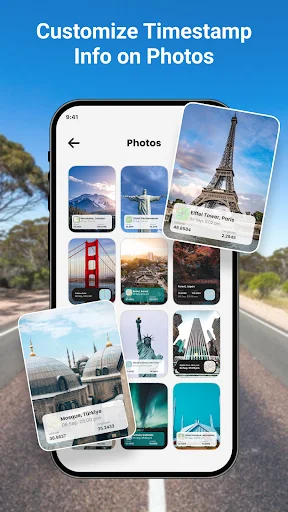
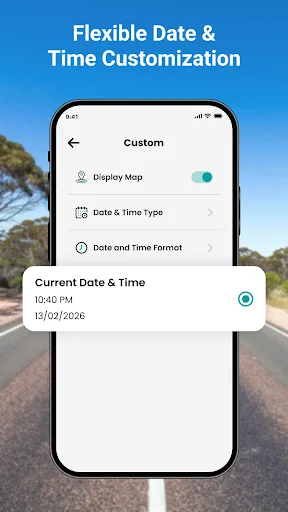
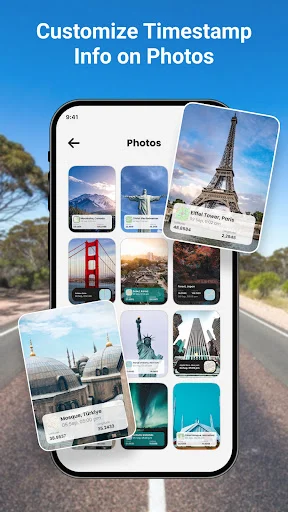
Control how your stamps look with adjustable date formats, font sizes, colors, opacity, and placement. Create professional documentation for work or personalized stamps for memories – the flexible templates adapt to match your exact needs every time.
Photos And Videos Covered
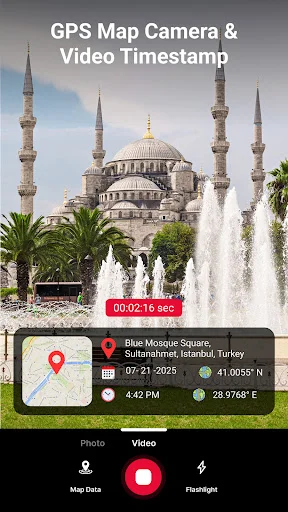
Record inspection clips, travel videos, or project updates with timestamps and GPS information already included. The app works for both photos and videos, keeping your documentation complete while saving both stamped and original versions for your records.
About
GPS Map Camera: Timestamp Photo - Capture Photos And Videos With Location Details!
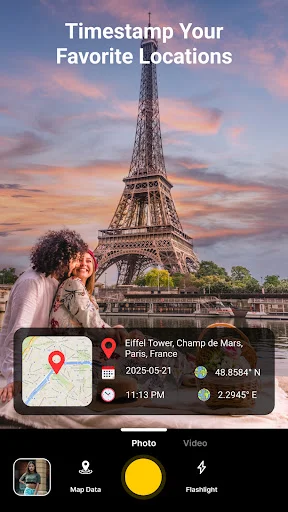
GPS Map Camera: Timestamp Photo helps you add date, time, location, GPS coordinates, map details, and weather information to your captures. Map GPS Camera: Time Stamp Photos is useful for travel memories, fieldwork, inspections, delivery proof, property records, and organized documentation.
Main Camera Features:
- Photo Time Stamp Camera - Add date, time, and custom text to photos and videos
- Timestamp Camera App - Adjust stamp format, font, color, opacity, and placement
- GPS Camera Photo Tool - Add latitude, longitude, and accurate location details
- Geotagging Photos Camera App - Use map overlays with different map styles
- Geo Stamp Camera App - Add weather details like temperature, condition, and humidity
- GPS Map Camera: Timestamp Photo - Save stamped captures and original copies
- Map GPS Camera: Time Stamp Photos - Record videos with timestamp and GPS overlay
Stamp your captures with time, place, map, and weather context!
Photo Time Stamp Camera is helpful when you need proof of when a photo or video was taken. You can use it for personal memories, work reports, site visits, travel logs, surveys, and other records that need clear details.
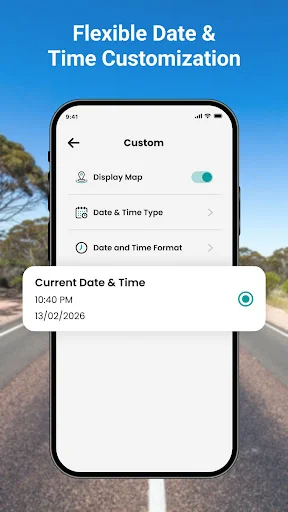
Timestamp Camera App gives you control over how the stamp appears. Choose date styles, 12h or 24h time, font size, colors, opacity, and position so the result matches your needs.
Simple Capture Flow:
- Open GPS Camera Photo Tool and allow location access when needed
- Choose Geotagging Photos Camera App for GPS-based photo documentation
- Use Geo Stamp Camera App when you want weather and map details included
- Set Photo Time Stamp Camera templates before capturing
- Record video or take a photo with the selected overlay
- Review your result inside the in-app gallery
- Save, export, delete, or share the stamped file easily
GPS Coordinates And Map Overlay:
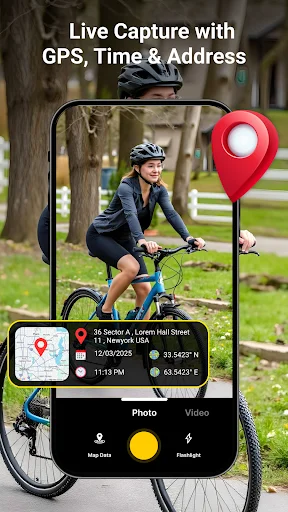
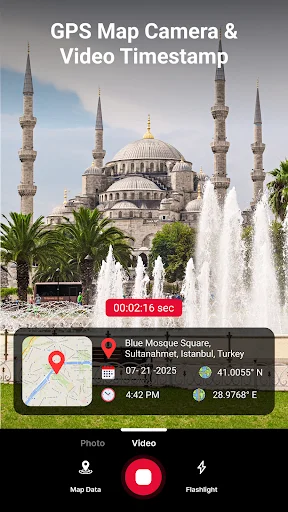
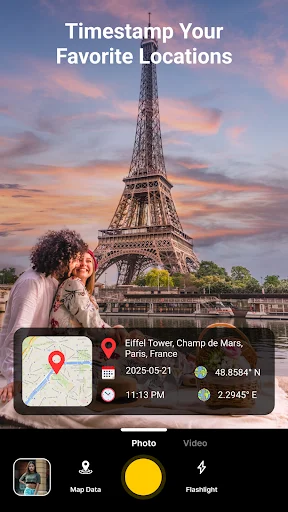
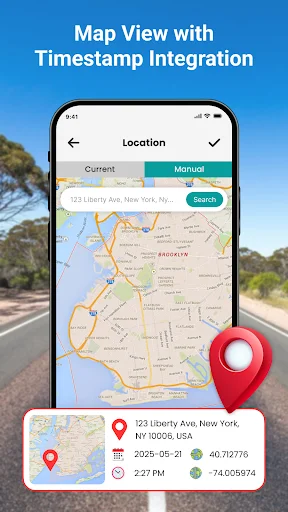
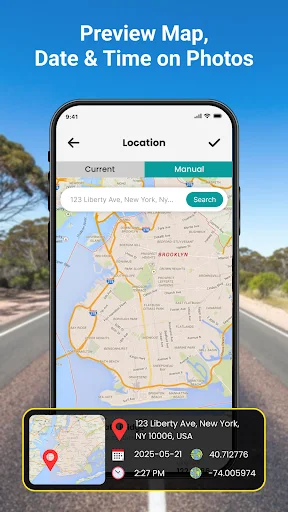
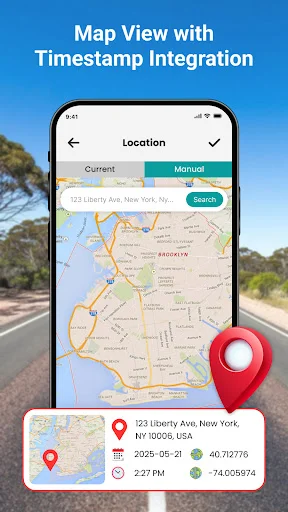
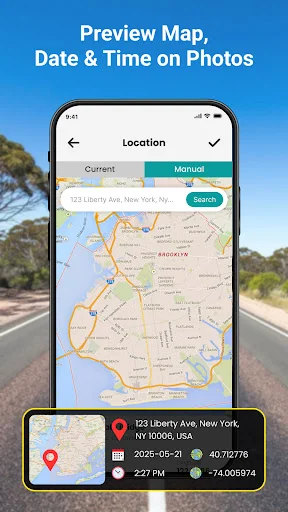
GPS Camera Photo Tool can embed latitude and longitude into photos, making it useful for location proof and organized records. Map overlay support helps show the exact place visually, which is practical for travel, real estate, surveys, delivery tasks, nature trips, and reporting.
Weather, Templates, And Custom Stamps:
Geotagging Photos Camera App can add more context with weather information, map view, address-style details, and custom text. You can choose templates for date and time, GPS coordinates, map display, location overlay, weather details, or your own note. This makes each capture easier to understand later.
Photo And Video Documentation:
Geo Stamp Camera App supports both photos and videos, which makes it useful beyond simple snapshots. You can record inspection clips, travel videos, project updates, or field reports with time and GPS information included. The built-in camera keeps controls simple while applying selected stamps instantly.
Gallery, Saving, And Sharing:
GPS Map Camera: Timestamp Photo includes an in-app gallery where you can preview, manage, share, delete, or export your captures. You can save stamped and original versions, then share them through messaging, email, socials, or storage services when needed.
Make Every Capture Easier To Verify And Remember!
Timestamp Camera App gives your photos and videos clearer context by showing where and when they were captured. With GPS stamps, weather details, map overlays, templates, video support, and easy sharing, your memories and work records stay more organized.
See The App In Action
Trusted By Thousands Of Users
This app is fantastic for adding location, date, and time stamps directly to my photos. It's very useful for work reports, travel mementos, and documentation. The interface is clear and the GPS accuracy is impeccable. Without a doubt, one of the most useful camera apps I've ever used.👌
GPS Map Camera: Timestamp Photo is a fantastic app for adding location, date, and time stamps to my photos. It's incredibly useful for fieldwork, travel logs, and documenting outdoor activities. The GPS tagging is accurate, and I love the customizable templates for the stamps.👌
Awesome app! Great for geotagging photos with accurate location data. Easy to use and navigate, with a clean interface. Perfect for travelers, photographers, and anyone who wants to add location context to their photos.💕
I'm loving the GPS Map Camera App's seamless integration! The app's combination of GPS tracking, mapping, and camera functionality makes it an essential tool for outdoor enthusiasts
The GPS Map Camera App is amazing! It's so convenient to capture photos with location data, and the app's GPS tracking features are incredibly accurate
This app is a gem! GPS Map Camera's features and accuracy make it a must-have for anyone needing location-based photo tracking...🌞❤️