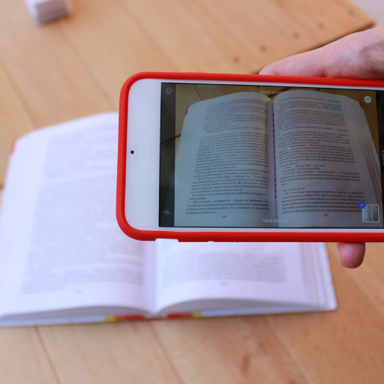
Turn Your Phone Into a Professional Scanner
Scan, digitize, and organize documents anywhere in seconds. No bulky copier needed – just your camera and our smart scanning technology for instant, high-quality PDFs.
Everything You Need for Perfect Scans
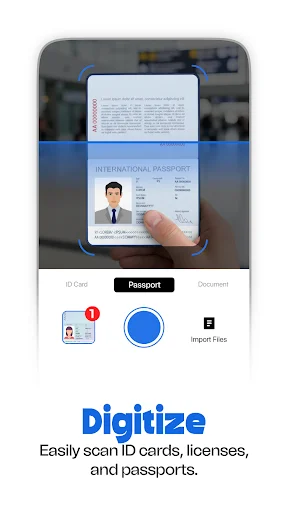
Scan Documents Anywhere
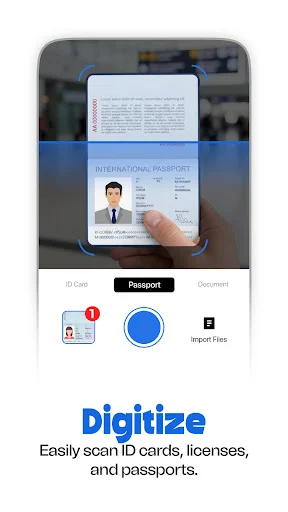
Capture professional-quality scans with your phone camera wherever you are. Whether you're at a meeting, coffee shop, or home office, turn any paper document into a clear digital file in seconds – no scanner required.
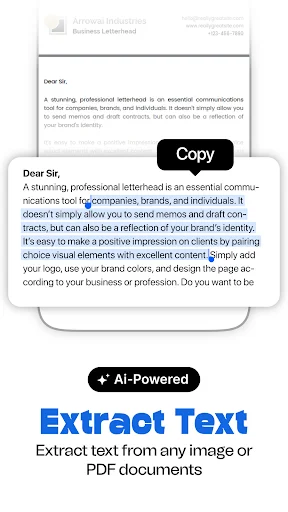
Extract Text Instantly
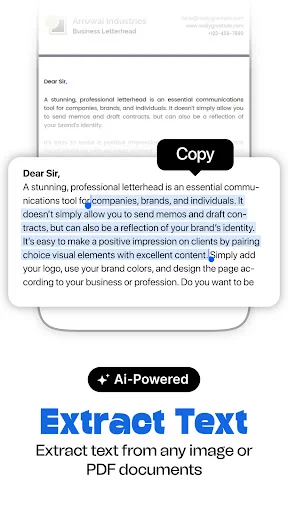
Our powerful OCR technology automatically converts scanned images into editable, searchable text. Copy information from receipts, contracts, or notes without retyping a single word, saving you time and eliminating errors.
Perfect Every Scan
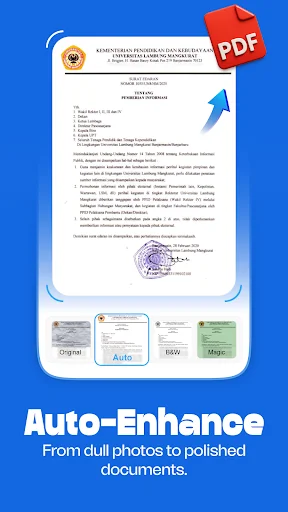
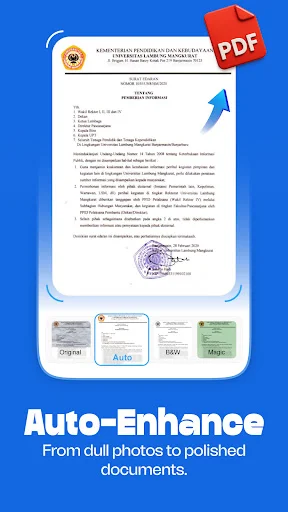
Smart auto-crop, edge detection, and enhancement filters automatically improve your scans. Even poorly lit or angled photos become crisp, professional documents that look like they came from an expensive office scanner.
Organize With Ease
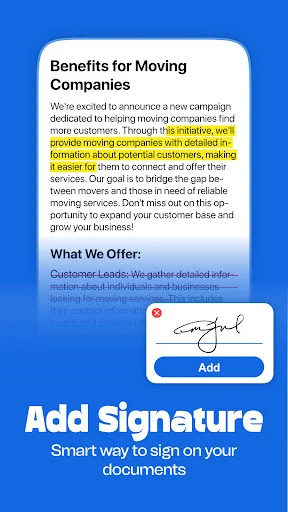
Keep all your important documents organized in one secure place. Create custom folders for work files, receipts, contracts, or personal records – then find any document instantly when you need it.
About
Photo Scanner Camera Tool — Plan Your Success!
Have you ever been standing in front of a heavy, outdated photocopier and realized you needed a digital copy right that second? It is really amusing to see how a single app can actually hold hundreds of high-quality scans and professional PDF files without you having to think too hard or carry a heavy physical stack of papers. Photo Scanner Camera Tool is built for those busy professional moments when you want to look up something meaningful but your office equipment is just a little bit too far away.
Precision Scanning Features
- Photo Scanner Camera Tool for digitizing documents anywhere
- Doc PDF Scanner Camera Software for strategic office planning
- Scan Paper: Camera Scanner App for finding the right professional aesthetic
- Cam Scanner: PDF Maker for clear digital understanding
- Doc Scanner Phone: PDF Creator for mobile productivity on the go
- Image Scanner Tool: PDF Scanner App for growing your digital knowledge
- OCR Scanner for instant image-to-text conversion
- Auto-Crop & Edge Detection for testing your visual discipline
- Document Scan Tool for organized folder management
How to best enjoy your Doc PDF Scanner Camera Software!
Life moves fast and honestly it is just nice to have a way to keep your productivity growing without having to spend an hour in a copy room. It is that simple to use the Doc PDF Scanner Camera Software whenever you want to be clear about your administrative desires.
Daily Digitization Vibes
All you have to do is tap the camera button and let the Scan Paper: Camera Scanner App do its magic for your logistics projects. This helps settle those moments when you want to be professional but you are still searching for the right path to archive your assignments or budget reports.
Professional OCR Mastery
The Doc Scanner Phone: PDF Creator feature has great benefits for your career and your daily peace of mind. It even helps you with high-quality character recognition that works like it was handled by a professional data entry specialist. It does the heavy lifting so you can focus on the mental connection with your data. Users of the software have a great experience with the text extraction tools which ensure that your information remains accessible and editable in either PDF or JPG formats.
Smart Visual Enhancements
The Image Scanner Tool: PDF Scanner App is best shown off when you want to add a bit of technical accuracy to a normal routine. Apply smart filters and brightness adjustments so you can see your blurry images transform right before your eyes. It is a great way to stay smart and the results are often surprising for your professional life. Users like to see the Image Scanner Tool: PDF Scanner App results right on their own mobile devices, making the process of uploading feel modern and intuitive.
Every File Organized
Within the Document Scan Tool, you can find a section for office files, business reports, or even a simple print-ready document for your daily errands. I believe that it provides a very unique experience for the global community that wants to master the nuances of efficiency using the Cam Scanner: PDF Maker.
Start Enjoying Document Scan Tool Today!
Converting paper to PDF should be quick! Enjoy the software and have fun with what the Photo Scanner Camera Tool does for your daily efficiency. Go ahead and download the app now. Experience the technology on your own phone today and see how easy it is to become a master of your own schedule in just a few taps. Ready to scan? Your digital journey begins right now!
See How Simple Scanning Can Be
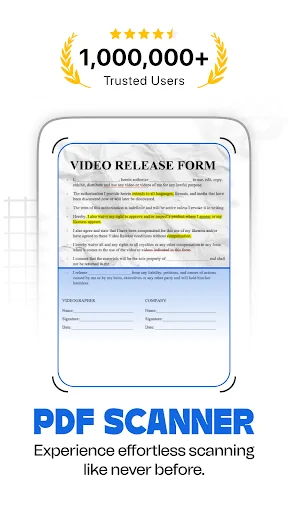
Join Over 1 Million Happy Users
Very very excellent!🥰🥰🥰 It works wonders. Trust me, you won't regret downloading this one. I'm sorry for those who it didn't work for, but maybe you just need to learn how to use it. But, aside from that, 💯% approved 😊😊😊
Awesome, just downloaded it and already working great for me, now i can scan and convert all my work just using my phone 👍 Great job
I love this app. It has all the features to give you a very good scanned document. It is second to none.
Small, fast, easy, effective and add free. one ⭐ for one quality
very good app that help me instead of looking for a laptop
Nice app to arrange pages to form a pdf