All Your Digital Passes in One Place
Stop searching through emails and apps at the airport or store. Keep boarding passes, event tickets, and loyalty cards organized and ready to use in seconds.
Everything you need for travel, events, and rewards
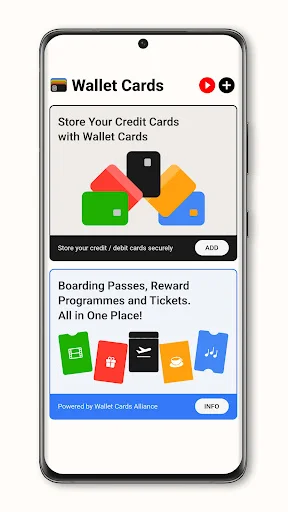
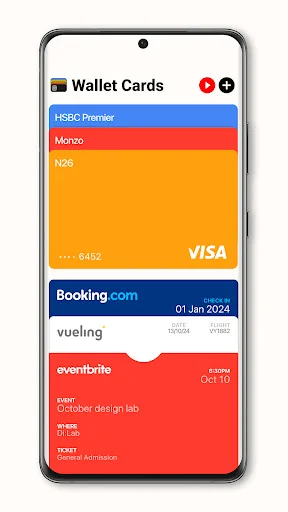
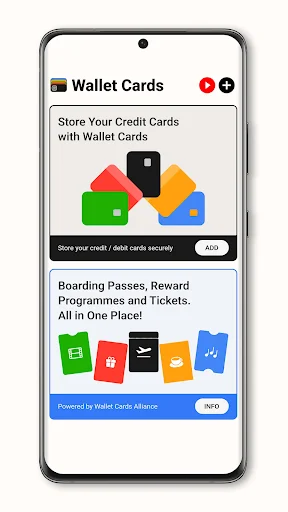
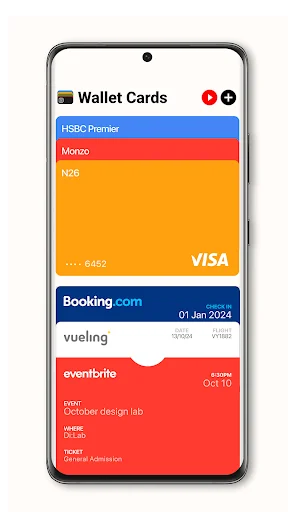
One App, All Passes
Store boarding passes, concert tickets, loyalty cards, and coupons together. No more juggling multiple apps or digging through your inbox when you're in a hurry.
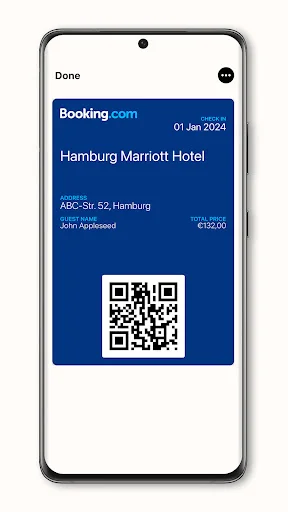
Open .pkpass Files Easily
Android users can now manage .pkpass files without hassle. Add passes from airlines, event organizers, and stores that use this format, giving you the same convenience as other platforms.
Scan and Add Instantly
Use the built-in QR scanner to quickly add new passes. Point your camera at a QR code or supported link, and your pass is ready to use in moments.
Access Passes in Seconds
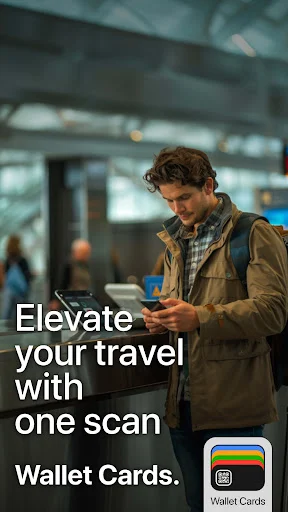
Find the exact pass you need at the airport gate, venue entrance, or checkout counter. Display your barcode instantly and move through lines faster without the stress of searching.
About
What is Wallet Cards | Digital Wallet?
A wallet app for Android that keeps compatible digital passes together on your phone. Add boarding passes, event tickets, and loyalty cards, then open the pass you need at the airport, venue, or store. Support for .pkpass files helps you manage passes issued in this format on Android.
Who is Wallet Cards | Digital Wallet for?
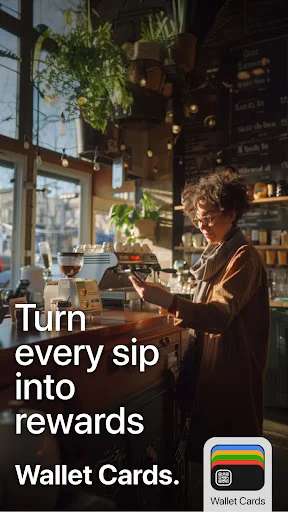
Use it when you want one place for flight passes, admission tickets, and rewards passes. Keep a boarding pass ready for a flight, find a concert ticket before entry, or bring up your coffee shop's rewards card at the counter.
If you have moved to Android and receive .pkpass files, you can use this wallet app to manage compatible passes. It is also useful for everyday loyalty cards, coupons, and QR-based student IDs supplied by participating providers.
What does Wallet Cards | Digital Wallet do?
- Keep digital passes together: manage boarding passes, event tickets, rewards cards, and coupons in one app.
- Open .pkpass files: add compatible passes provided by airlines, event organizers, stores, or other issuers.
- Scan to add passes: use the built-in QR scanner and browser to access supported pass links and registration forms.
- Display supported barcodes: use passes with QR, PDF417, Aztec, or Code128 codes where the issuer accepts them.
- Receive pass updates and notifications: get changes for supported passes when the issuer provides updates through the service.
How does Wallet Cards | Digital Wallet work?
Start with a compatible pass from its issuer. Import the pass file into the app, or use the scanner to open a supported pass link. The built-in browser can open registration forms used by pass providers.
Once added, open the relevant pass when you need it and present its barcode at a supported checkpoint, entrance, or store. A boarding pass, admission ticket, and rewards card each serve the purpose set by their issuer.
Pass updates depend on the issuer's service and integration. A stored pass does not create a booking, buy a ticket, or enroll you in a rewards program by itself.
Compatibility and requirements
Designed for Android and compatible with the .pkpass pass format. The pass must be available in a supported format, and its use depends on the issuing provider and the place accepting it. Barcode support does not mean every airline, ticketing service, or store accepts every pass.
NFC is not supported. You cannot add credit or debit cards for payment, and the app does not provide tap-to-pay purchases. Digital passes and rewards cards are separate from bank payment cards.
The app contains ads and offers in-app purchases.
Privacy
Allow camera access when you choose to scan a barcode. The scanner uses the camera to read the code for that action.
Wallet Cards | Digital Wallet keeps your compatible passes together so you can find the ticket, travel pass, or rewards card you need for the moment.
See how simple pass management can be
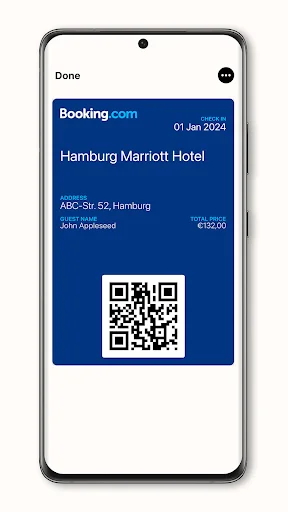
Join over 1 million users who love Wallet Cards
Excellent customer service and in the utmost respect and appreciation. I contacted them via e-mail to cancel the subscription and refund the paid amount, and they responded to me immediately by implementing the request, canceling the subscription, and refunding the paid amount. I thank them for their attention, assistance and good handling. I wish them success always
Many thanks to the "WalletCards" team for their generosity and promptness. By mistake I've paid for the membership of the App, not so insignificant amount - almost $70. After sending the refund request, the company responded promptly and the next day I received a refund. Thanks for fair play :) and good luck!
The developer is so polite for answering my email and concerns and immediately reply to fix the problem. They even give me a refund on the app that I accidentally purchased. Kudos to the developer. It's an easy transaction and they are very approachable. Keep up the good work. 👏👏👍👍
Travel size wallet LoL, Tank you contact developer,great position,all in one place,card, plane. LoL,I Totally agreed YOUR WELCOME SINCERELY, SINCERE. KWJ.
Awesome app for storing card info. Dear Dev, I got so tickled reading your responses to some of the other comments.🤣
great app all thought the only thing i use it for is apple pay and cash app but its a great app youll love it .