Mirror Your Phone to Any Smart TV
Share videos, photos, presentations, and your entire screen on the big screen in seconds. No cables, no complicated setup – just pure wireless freedom.
Everything you need for effortless screen sharing
Completely Cable-Free Connection
Say goodbye to tangled cables and hunting for adapters. Connect your phone to your TV wirelessly over Wi-Fi and start sharing in seconds, from anywhere in the room.
Works With Your TV
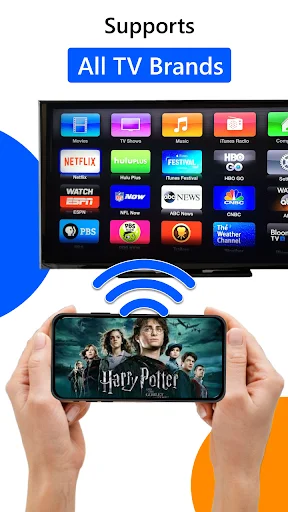
Compatible with Chromecast, Roku, Fire TV, Android TV, and DLNA-enabled Smart TVs. One app works across all your devices, so you never need to worry about compatibility again.
Share Photos, Videos & More
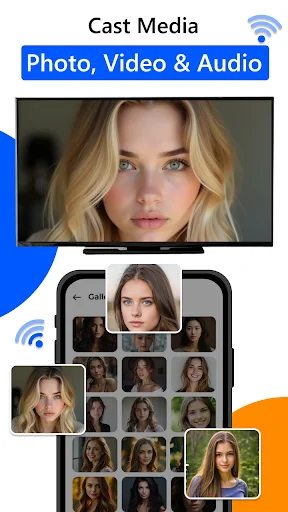
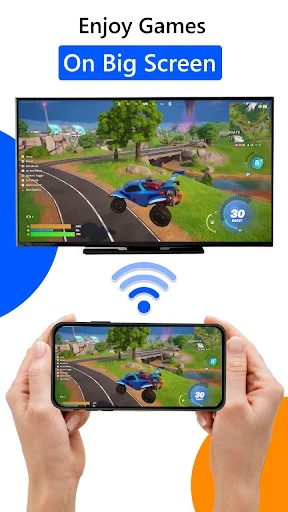
Cast your favorite memories from your gallery, stream web videos through the in-app browser, or mirror your entire screen for presentations, gaming, and apps – all from one simple interface.
Auto-Detect in Seconds
No technical skills needed. The app automatically finds your TV on your Wi-Fi network, so you can connect with just a tap and start sharing instantly.
About
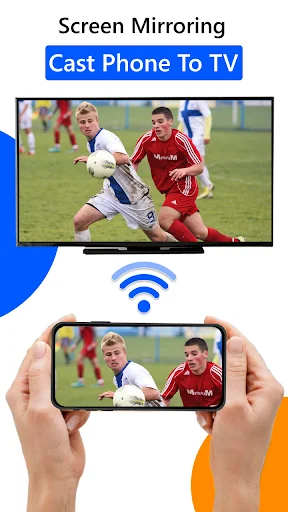
Mirror your phone to compatible Smart TVs in seconds. Screen Mirroring: Cast to TV lets you share your full screen or cast videos, photos, music, and websites over Wi-Fi—no cables required.
What you can do
- Screen mirroring for demos, gaming, apps, and slides
- Cast local media: videos, photos, and music from your gallery
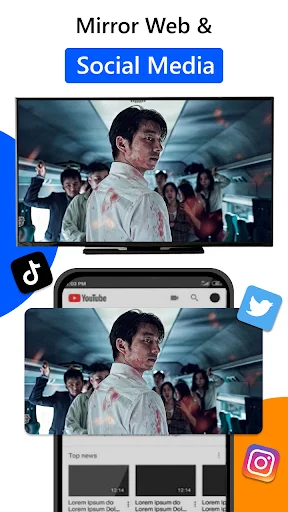
- Web video cast from the in-app browser
- Quick connect: auto-detect supported devices on the same Wi-Fi
- DLNA/Miracast support for compatible Smart TVs
Supported devices & technologies
- Chromecast / Google TV / Android TV
- Roku / Fire TV
- DLNA / Miracast-compatible Smart TVs
How to use (3 steps)
- Connect your phone and TV to the same Wi-Fi network.
- Open the app → choose Screen Mirroring or Cast to TV.
- Select your device and start mirroring or pick media to cast.
Tips
- Ensure Wireless Display / Screen Share is enabled on your TV.
- Turn VPN off for first-time discovery.
- Some DRM-protected content may not cast.
Disclaimer
Brand names are for compatibility reference only. This app isn't affiliated with or endorsed by Google, Roku, Amazon, or any other brand.
See how simple screen mirroring can be