Your Contacts, Organized and Always Accessible
Stop scrolling through endless lists. Find anyone instantly, organize your contacts into groups, and keep your address book backed up – all while blocking spam calls in one powerful app.
Everything You Need in One App
Smart Organization Made Simple
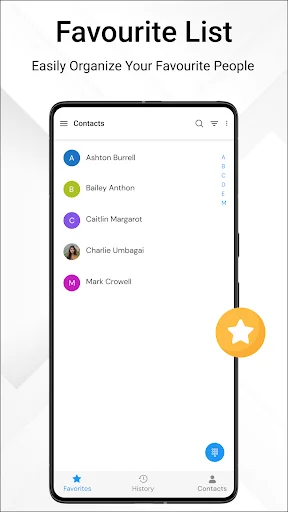
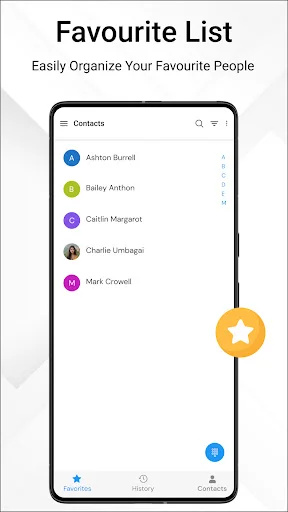
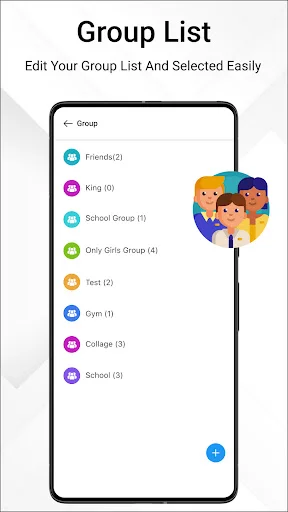
Create groups for work, family, and friends. Mark your most-called contacts as favorites for instant access. Keep everyone organized the way that fits your life, so you spend less time searching and more time connecting.
Find Anyone in Seconds
Search by name and jump straight to the person you need. No more endless scrolling through hundreds of contacts. Clean up duplicates automatically and keep your list tidy, making every search faster and easier.
Never Lose Your Contacts
Back up your entire contact list with one tap. Export and import contacts easily when switching phones or restoring your data. Your contacts stay safe and move with you, without the stress of manual transfers.
Block Spam, Identify Callers
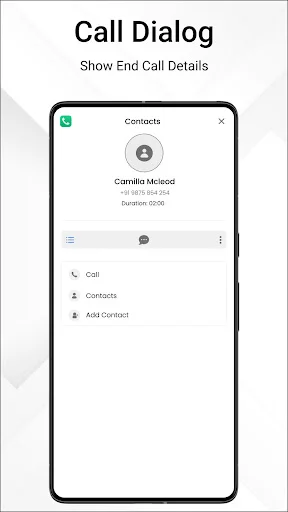
See who's calling before you answer with built-in caller ID. Block unwanted numbers and stop spam calls from interrupting your day. Take control of your phone and only hear from people who matter.
About
What is Contacts?
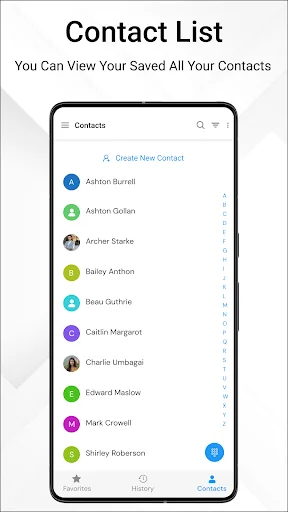
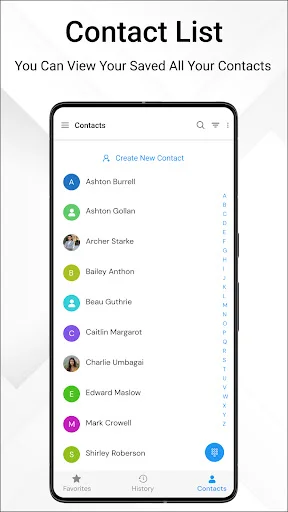
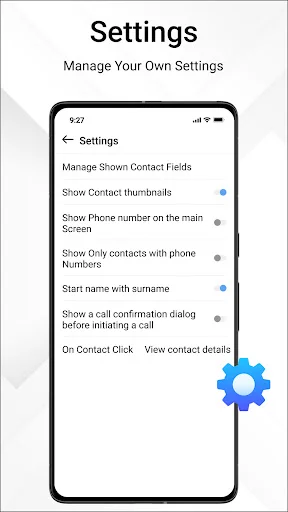
This Android contacts manager brings your saved numbers, a phone dialer, and recent calls into one app. Search for a name, open a saved entry, and make a call without browsing through a long list. Use favorites and groups to organize the people you contact regularly.
The app also supports contact backup, file import and export, caller ID, and tools for managing unwanted calls. It combines everyday calling with ways to organize and transfer your saved details.
Who is Contacts for?
Use it when your address book has grown difficult to browse, you want family and work entries in separate groups, or you need a backup before changing phones. Favorites help keep frequently used numbers together, while search gives you another way to find a person.
It also suits people who want to manage incoming calls and recent call history alongside their saved numbers. You can organize entries, dial a number, and return to recent calls within the same app.
What does Contacts do?
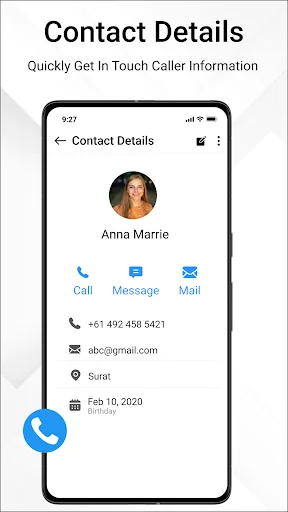
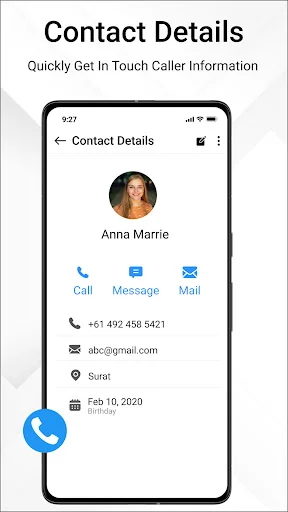
- Find saved details: search your contact list by name and open an entry to view its information.
- Keep favorites together: mark people you call regularly for convenient access.
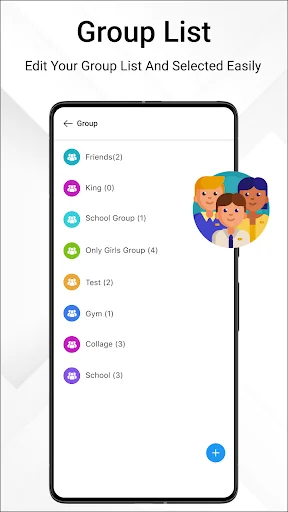
- Organize groups: separate entries into categories that fit your personal and work routines.
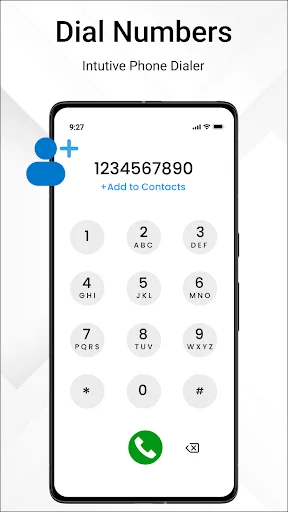
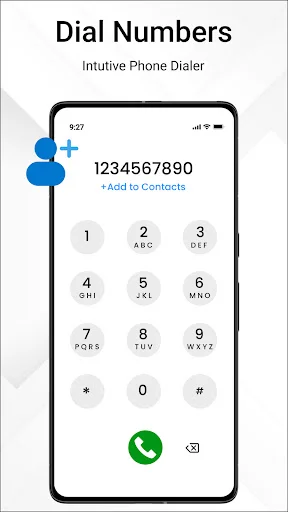
- Use the phone dialer: enter a number or call a saved person, and view your recent call history.
- Tidy your list: remove duplicate contacts and organize the entries you want to keep.
- Back up and transfer: export saved details and import them from a VCF file when moving information between phones.
- Manage incoming calls: caller ID helps identify incoming numbers, while spam detection flags suspected unwanted callers.
- Control unwanted callers: use spam blocking to stop numbers you do not want to hear from again.
As a contacts manager, the app brings search, organization, and calling tools together so your address book is easier to use day to day.
How does Contacts work?
Open your saved list and search for the person you need. Select an entry to view the details or make a call. Add frequently used people to favorites, and create groups for the different parts of your routine.
To transfer saved details, export a VCF backup file and import that file on the receiving phone. Keep the backup available if you plan to restore its entries later. The import and export tools let you work with a saved file when changing devices.
Use recent calls to find a number from your call history. For unwanted callers, use the blocking tools to manage which numbers can reach you.
Compatibility and requirements
This is an Android app with ads and in-app purchases. Call-log access is required to display recent call history and support call-log backup and restoration. Restoring saved contact details from a VCF file requires an existing backup file.
Privacy
Device or other identifiers may be shared with third parties.
Contacts helps you keep saved numbers organized, find the people you need, and move from an entry to a call, with file-based backup and transfer tools for your contact list.
Permissions Required:
- Phone access is needed to make calls and identify incoming and outgoing call status.
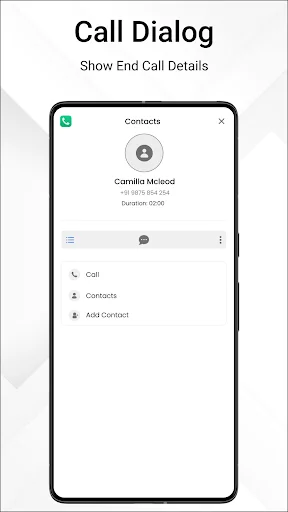
- Overlay permission enables the after-call screen.
- Contacts access lets the app read and write contacts on the caller screen.
See How Easy Contact Management Can Be
Join Over 1 Million Happy Users
💙💥💯❤️🔥🎇Spectacular Genuine App.. It saved my Life...i got back all my lost contacts from when i got this sim connection... No hang or bugs...works full speed i rate this ⭐⭐⭐⭐⭐⭐⭐⭐⭐⭐ stars
I love the app works great nothing to worry and easy to add contact so download this app good and simple 😁😁😃
WORKS PERFECTLY ON MY MOTOROLA MOTO G SMARTPHONE UNLIMITED 8959.
i advice people to use this app cause is very perfect 👌
Great I like keeping in touch with my contacts.
It has never let me down. And no hustle at all.